
Reporting & Compliance
Export security findings in HTML, JSON, and SARIF formats.
Reporting & Compliance
Tharos provides flexible reporting options to suit different workflows, from local debugging to enterprise compliance auditing.
🦊 Local Security Dashboard
For the most interactive experience, Tharos provides a built-in local dashboard. This is a high-fidelity web interface that runs right from your terminal, allowing you to browse findings, visualize risk scores, and manage security patches in your browser.
# Launch the dashboard locally
tharos ui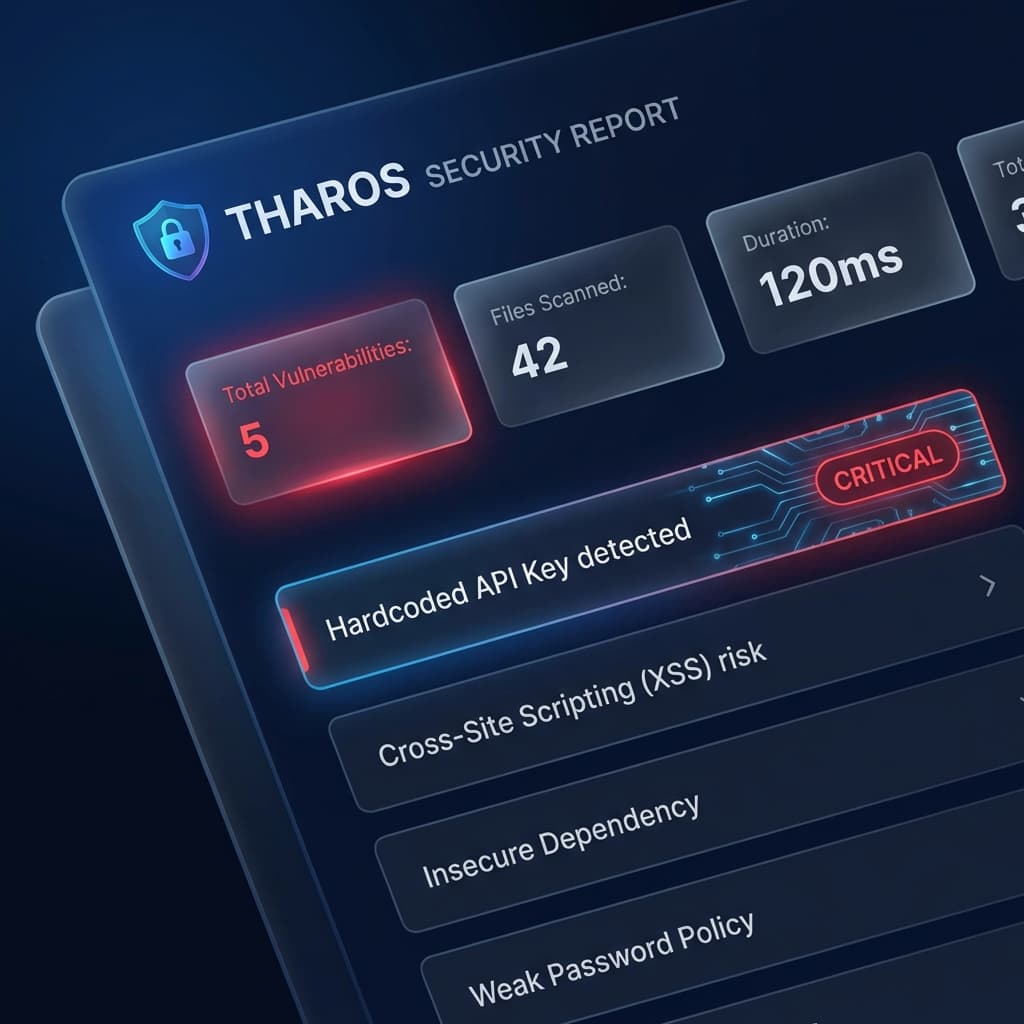
The Local Dashboard includes:
- Interactive File Explorer: Navigate through your project and see security health at a glance.
- Vulnerability Breakdown: Detailed explanations and remediation steps for every finding.
- AI Integration: One-click "Magic Fixes" and semantic risk assessment.
- Modern Dark UI: A premium, glassmorphic design optimized for security engineers.
🏗️ Enterprise SARIF Integration
Standardized integration with CI/CD platforms like GitHub Advanced Security is achieved via the refined SARIF (Static Analysis Results Interchange Format) exporter.
# Generate a professional SARIF report for CI/CD
tharos analyze . --format sarif > results.sarif
Our SARIF output is fully compliant with industry standards and includes:
- Detailed Metadata: Comprehensive descriptions, help URIs, and tags for every security rule.
- Stable Indexing: Persistent rule IDs for consistent reporting across builds.
- Precise Location Mapping: Exact line and column identifiers for surgical auditing.
💻 CLI Output Formats
You can also output raw JSON for custom tooling or piping into jq.
# JSON Output
tharos analyze . --format json

# Standard Rich Output (Default)
tharos analyze .
Last updated on